
How to Search Cases by Name
Minnesota Court Records Online Case Search is the statewide search layer open to the public. It covers Cook County. For a Cook County person search, type a last and first name first. Then pick Cook County under the specific county court locations. The search defaults to exact-name matching. A middle name helps with common names, but it can also hide a match. Rerun the Cook County search without the middle name or initial if nothing appears.
- Open Cook County Case Search and accept the MCRO terms and conditions.
- Select Name, then choose Person or Business as the Cook County name type.
- For a Cook County person search, enter the last name and first name. Add a middle name only when it is known.
- Select Specific County Court Locations, search for Cook County, and check the Cook County location.
- Use a Cook County case category, filing date, or status only when it is known. Extra filters can hide a result.
- Click Find, open the matching Cook County case number, and use the Case Details breadcrumb rather than the browser Back button.
A name result is only an entry point. It is not a certified court record. Before treating a hit as the right Cook County matter, compare the case title, the venue, the case type, and the file number.
Cook County MCRO Search Tabs
MCRO’s Case Search screen offers four Cook County search tabs. They are Name, Case Number, Citation Number, and Attorney. Each one runs on a different identifier for the same case. A citation number matters before the Cook County court file number is assigned. Attorney search helps when a party name is shaky. The query is statewide. The Cook County checkbox is what limits results to local District Court records.
| Field or control | Type | Required | Cook County use |
|---|---|---|---|
| Name, Case Number, Citation Number, Attorney | Search tab | One mode | Choose the identifier available for the Cook County case. |
| Name type | Selector | As needed | Choose Person or Business for a Cook County name search. |
| Last and first name | Text fields | For person name search | Use exact spelling first for a Cook County result; middle name is optional. |
| Sounds Like or trailing wildcard | Search option | Optional | Use one method at a time after at least two characters for a Cook County wildcard search. |
| Court locations | County selector | Optional | Select specific county locations, then check Cook County. |
| Find | Button | Action | Runs the selected MCRO query after Cook County filters are set. |
The official MCRO Case Search screen lays out the search tabs and controls that begin a Cook County case lookup.
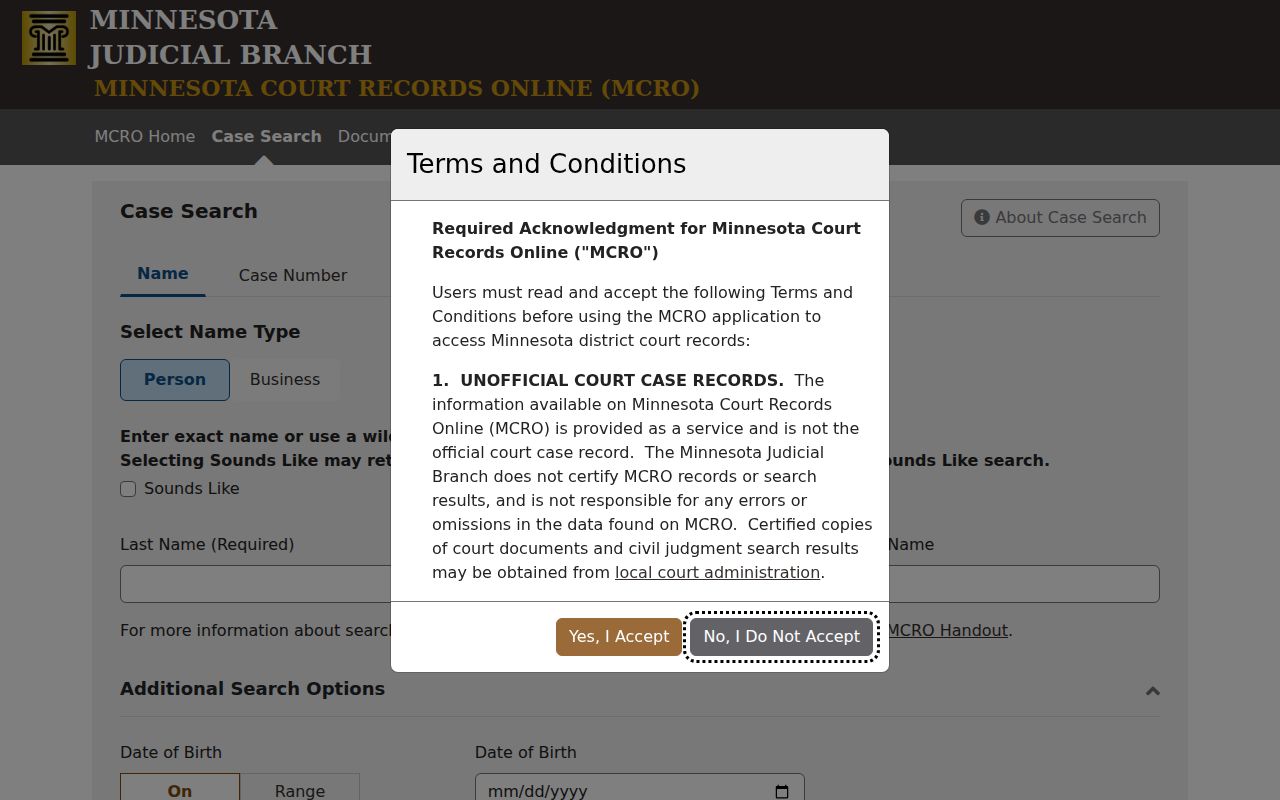
The tool itself is statewide. Choosing Cook County is the local step that makes any result worth reading.
Cook County Name Search Rules
A Cook County name spelling can be incomplete. MCRO permits a trailing wildcard after at least two characters in that situation. Sounds Like is a separate option for similar spellings. It cannot run together with a wildcard. The smart sequence is to start with the exact name. Broaden one method at a time after that. Wide searches pull statewide matches. Keep the Cook County selection active. Optional filters cover date of birth, date filed, case category, and case status. They can sharpen a result, yet an unknown filter can quietly exclude the case you need. With common names, repeat the Cook County search with and without a middle name or initial. Do that before concluding that no public record exists.
How to Search by Case Number
The most precise key is a complete Cook County court file number. Choose Case Number. Enter the number exactly as it appears on the Cook County notice, then open the matching result. Minnesota case numbers pack in a county number, case type, filing year, and sequence. The state’s own example is 27-CR-24-1844. It shows the statewide structure rather than a confirmed Cook County county number.
MCRO takes Cook County case numbers with or without dashes. It also accepts them with or without leading zeros. Spaces, though, are not allowed. The same complete number also works in Document Search when a public document is what you need. If a citation number is the only identifier you hold, use the Citation Number tab. That preprinted number is a separate thing.
Cook County Case Number Format
Every Cook County court file number follows Minnesota’s pattern of county, case type, year, and sequence. The two-letter type segment hints at the kind of Cook County matter. In traffic-related records, CR generally marks a case requiring a court appearance. VB generally marks a payable citation with no mandatory appearance. The type segment says nothing about the final outcome.
Spaces cause the most common Cook County formatting failure. Dashes and leading zeros are both fine in a complete number. Inserted spaces can trigger an error. When a Cook County notice is unclear, use the exact citation or case number the court supplied instead of guessing at a local abbreviation. The court publishes no Cook-specific docket-code dictionary.
What a Case Search Shows
Open a Cook County result and you land in Case Details. There the Register of Actions sorts public information into sections. What shows up depends on the case type and on what that Cook County case actually recorded. A section with no data may simply not display. The chronological Case Events section earns special attention. Check it for later filings, notices, orders, and hearing activity.
| Overview | May show a Cook County upcoming hearing, money owed, or an Appear By date where applicable. |
|---|---|
| Case Information | Cook County file number, title, type, filed date, venue, judicial officer, status, citation, flags, and related cases. |
| Party Information | Cook County party roles and attorney-of-record relationships where shown. |
| Case Events | Dated Cook County filings and court activity in Register of Actions order, with document references when available. |
| Hearings and Dispositions | Scheduled or completed Cook County hearings and recorded outcomes with dates and detail. |
| Financial Information and Documents | Cook County amounts or payment status where entered, plus public document links when remotely available. |
A case caption or case type is not a disposition. For the recorded resolution, read the dated disposition field and the Cook County event history.
Cook County Case Details Limits
Not every Cook County case file fills in every section of Case Details. Warrants, charges, conditions set in the meantime, bond or bail activity, and public documents appear only when they apply. Access rules can hold them back too. Remote MCRO also leaves out protected personal identifiers, trial and hearing exhibits, and certain case types. So a blank section has three possible causes. It may be nothing to display, restricted information, or a case that is not available remotely.
The MCRO access overview notes that the public service is free where material exists. It stays unofficial, though, and it cannot certify records. For a certified copy, contact Cook County Court Administration. That office also answers questions about Cook County public material missing from the remote view.
County vs Statewide Case Search
MCRO is one statewide system. Its county filter, though, narrows results to Cook County. That makes it handy for public Register of Actions information. When public material will not appear remotely, the Cook County courthouse terminal goes deeper. People call it MPA Courthouse or the public-access computer. Either way, both channels reach Cook County Minnesota District Court records. There is no separate Cook County portal to worry about.
| Channel | Best use | Access boundary |
|---|---|---|
| MCRO with Cook selected | Remote name, case-number, citation, attorney, hearing, and public Register of Actions searches. | Remote view is narrower and is not a certified record. |
| Cook courthouse public terminal | More complete public electronic case access and local record follow-up. | Available at the courthouse; public-access rules still apply. |
| Court Administration counter | Locally stored public paper files and certified-copy requests. | Confidential, sealed, or restricted material needs the proper court process. |
Found the case but need the date? Use the case number with the Cook County Court Dates channels. A result-list snippet is not enough on its own.
Cook County Hearing Search Scope
MCRO Hearing Search hunts for Cook County hearings several ways. Search by person or business name, case number, judicial officer, or attorney. Exact-date and date-range controls, case categories, and the Cook location filter all trim the results. Still, the tool is not a full court-session calendar. Confidential or non-remote matters can slip past it.
Once a case turns up, open Case Details. Compare the listed hearing against the newest Case Events entry. The Cook weekly PDF offers another public calendar, but it too has gaps. An urgent date belongs with Court Administration, never with one remote result.
Cook County Courthouse Case Search
Inside the Cook County courthouse sits a public court-records computer. The Minnesota Judicial Branch access-records source calls courthouse terminals the more complete electronic route to District Court case records. At the terminal, searchers can run a full file number. They can also try a party or defendant name, attorney information, and the calendar tools on hand.
The counter handles locally stored public paper files and copy questions. Files stay where they are kept; inspection never lets a file leave. MCRO and the terminal work as complements. A remote limit does not shut down the courthouse channel.
The statewide courthouse-access source lays out the public terminal route behind Cook County case searches.
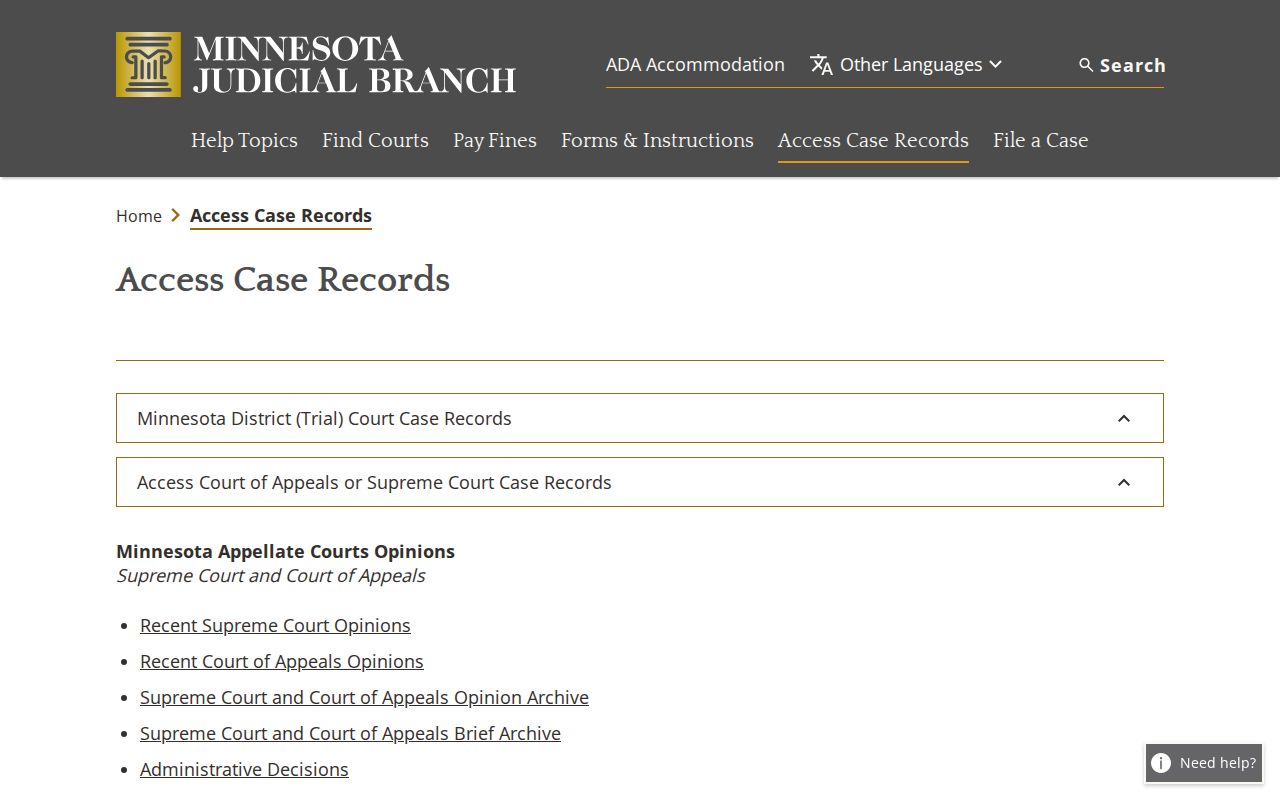
The courthouse route matters when a public case detail or document will not appear in remote MCRO.
Cook County Pending Case Search
Here is a key MCRO name-search limit. Pending criminal, traffic, and petty-misdemeanor cases with no conviction may not answer a defendant-name query. When you hold the complete case number, citation number, attorney information, or bar number, search that identifier instead. No number at all? Court Administration can point to the right local public-record channel.
Never read a no-result response as proof of dismissal or proof that no case exists. First check spelling, county selection, filing date, and exact-name settings. Then consider the chance the record is not remotely available. Only then draw a conclusion.
Restricted Cases and Access Rules
The Minnesota Rules of Public Access, Rule 4 and related rules wall off several record types from public or remote view. Domestic-abuse and harassment records, CHIPS and D-16 juvenile matters, and civil-commitment documents can be absent from remote results. So can trial or hearing exhibits, protected identifiers, and many family documents. Sealed or expunged records may be restricted, vanish from ordinary remote searching, or demand an access order.
When a public record is missing from MCRO, start with the courthouse terminal and Court Administration. Someone seeking a confidential record for a legally recognized reason may need the Rule 7 and CON100 process. Court Administration can identify the procedure for the requested record. A judge decides disputed confidential access.
MCRO remains an unofficial public search service. Confirm any result with Cook County Court Administration when a certified court record is required.
Cook County Unofficial Case Search
MCRO opens public search results and available documents to anyone, no registration needed. It cannot issue a certified record. That process runs through Court Administration, not through a download. The difference matters when you need the official court seal, or a document you can inspect only at the courthouse.
The strongest Cook County lookup combines the right identifier, the Cook location filter, the Case Details and Register of Actions history, and a courthouse or Court Administration follow-up whenever remote access falls short.